
🔍 DNS Lookup Tool
Choose your DNS server and export results
Network Tools
DNS Lookup Tool Online – Free and Most Accurate DNS Checker
Introduction to DNS Lookup Tool
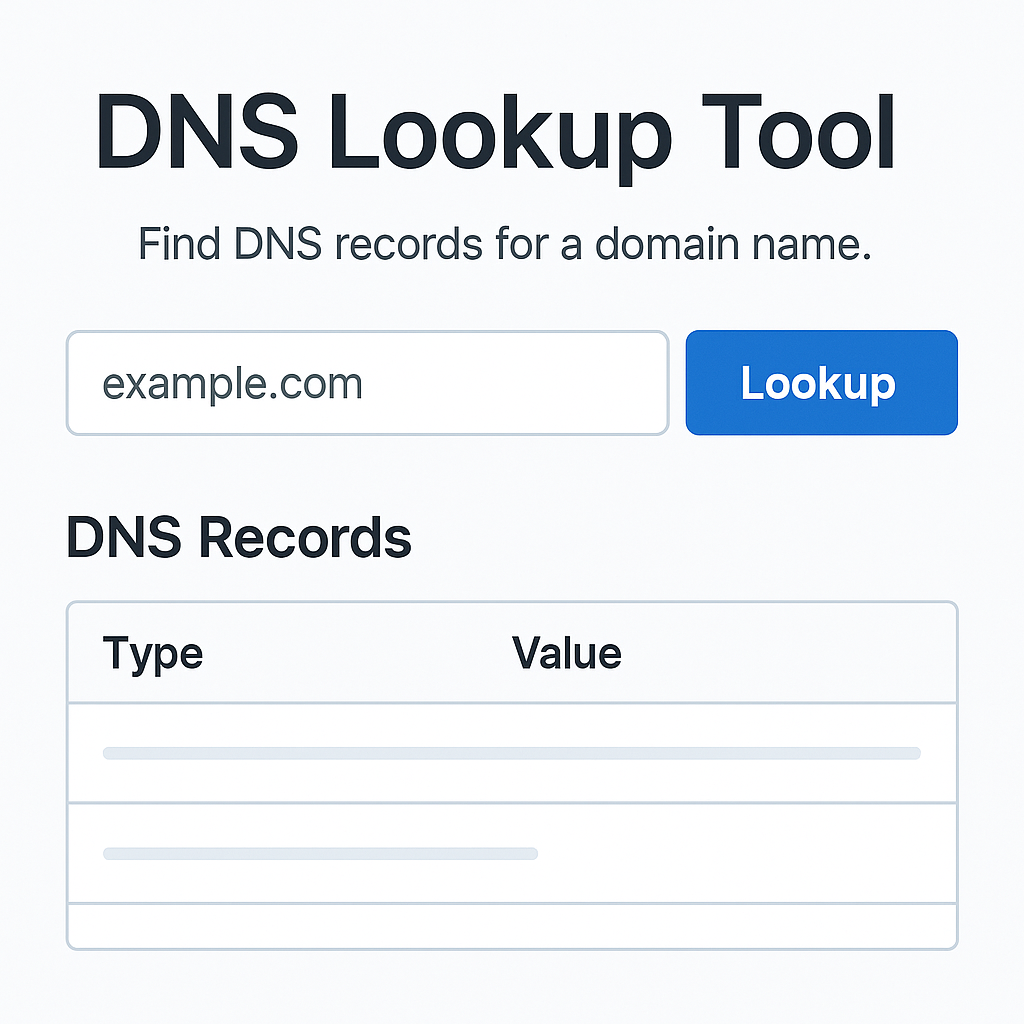
DNS Lookup Tool is a free online DNS query tool that helps you check and analyze DNS records of any domain quickly and accurately. Our dns lookup tool online supports all common DNS record types and allows you to choose from multiple DNS servers for optimal results.
What is DNS Lookup?
DNS lookup is the process of converting domain names to IP addresses or gathering information about DNS records of a domain. When you perform a dns record lookup, the system queries DNS servers to retrieve information about:
- A records: IPv4 addresses
- AAAA records: IPv6 addresses
- MX records: Mail exchange servers
- CNAME records: Canonical name aliases
- TXT records: Text records
- NS records: Name servers
- SOA records: Start of authority
Why Use a DNS Lookup Tool?
1. Check DNS Configuration
Use our dns lookup tool to verify if your domain’s DNS is configured correctly.
2. Troubleshooting Issues
When your website faces problems, dns records lookup helps you quickly identify DNS-related causes.
3. Monitoring and Security
Monitor DNS changes and detect potential security issues.
4. Competitor Analysis
Use google dns lookup to analyze competitors’ DNS configurations.
How to Use Our DNS Lookup Tool
Step 1: Enter Domain Name
Enter the domain you want to query in the “Domain/Hostname” field
Step 2: Select Record Type
Choose the DNS record type you want to lookup:
- A: IPv4 address
- AAAA: IPv6 address
- MX: Mail servers
- CNAME: Alias records
- TXT: Text records
- NS: Name servers
- And many more…
Step 3: Choose DNS Server
Select a DNS server for the query:
- Auto: Automatically choose the best server
- Cloudflare: 1.1.1.1
- Google: 8.8.8.8
- Quad9: 9.9.9.9
- OpenDNS: Filtered DNS
- AdGuard: Ad-blocking DNS
Step 4: Perform Lookup
Click “Lookup” to query a single record type or “All Types” to query all records.
Key Features of Our DNS Lookup Tool
🔍 Comprehensive Lookups
- Supports all common DNS record types
- Reverse DNS lookup to query from IP to domain
- Specialized DNS TXT lookup tool for TXT records
⚡ High Performance
- Results displayed within seconds
- Smart caching for improved speed
- Support for bulk queries
🌐 Multiple DNS Servers
- Integration with reputable DNS servers
- Compare results from different servers
- Automatic failover when servers are down
📊 Data Export
- Export results as TXT, JSON, CSV
- Save results for later analysis
- Easy sharing with team members
📱 Responsive Design
- Works smoothly on all devices
- User-friendly interface
- No installation required, use directly in browser
Understanding the DNS Lookup Process
What is the first step in the DNS lookup process?
The first step in the dns lookup process is checking the local DNS cache. If not found, the system sends a query to the DNS resolver.
How DNS lookup works?
The how dns lookup works process follows these steps:
- Check local cache
- Query to DNS resolver
- Resolver queries root name servers
- Query to TLD name servers
- Query to authoritative name servers
- Return results to client
Common Types of DNS Lookups
Standard DNS Lookup
Basic DNS lookup to query A, AAAA records of a domain.
Reverse DNS Lookup
What is a reverse dns lookup? – This is the reverse process of looking up a domain name from an IP address.
DNS Command Line
Besides online tools, you can also use dns lookup command such as:
nslookup domain.comdig domain.comhost domain.com
DNS Checker Tool
Use a dns checker to verify DNS propagation status and consistency across global DNS servers.
Troubleshooting DNS Issues
How to disable DNS lookup
In some cases, you might need to how to disable dns lookup:
- Edit hosts file
- Configure local DNS server
- Use static IP instead of domain
How to use DNS lookup effectively
How to use dns lookup for troubleshooting:
- Check A records for connectivity issues
- Verify MX records for email problems
- Check NS records for delegation issues
- Analyze TTL values for caching problems
Benefits of Using DNS Lookup Tool
For Webmasters
- Check DNS configuration after hosting changes
- Verify CDN and load balancer setup
- Monitor DNS propagation
For System Administrators
- Troubleshoot network connectivity issues
- Verify DNS security configurations
- Monitor DNS performance
For SEO Specialists
- Check subdomain configurations
- Verify canonical domain settings
- Monitor DNS-related SEO factors
For Developers
- Debug API connectivity issues
- Verify service discovery configurations
- Test DNS-based load balancing
For further reading about DNS lookups and how they work, check out these trusted resources:
Frequently Asked Questions (FAQ)
❓ What is DNS lookup and why is it necessary?
What is a dns lookup? DNS lookup is the process of querying DNS information of a domain to convert domain names to IP addresses or retrieve other record information. This is necessary because computers only understand IP addresses, not domain names.
❓ How does reverse DNS lookup work?
What is a reverse dns lookup? Reverse DNS lookup is the opposite process – finding the domain name from an IP address. This is useful for:
- Verifying server identity
- Analyzing log files
- Checking spam emails
- Troubleshooting network issues
❓ What is the first step in the DNS lookup process?
What is the first step in the DNS lookup process? The first step is checking the DNS cache on the local machine. If the information is already cached, the system will use it immediately without querying servers. If not in cache, it proceeds to query the DNS resolver.
❓ How does DNS lookup work?
How dns lookup works? The DNS lookup process includes these steps:
- Local cache check: Check cache on local machine
- Recursive resolver: Send request to DNS resolver
- Root nameserver: Resolver queries root servers
- TLD nameserver: Query Top Level Domain servers
- Authoritative nameserver: Query authoritative servers
- Response: Return results to client and cache them
❓ How to use DNS lookup tool effectively?
How to use dns lookup effectively:
- Choose correct record type: A for IPv4, AAAA for IPv6, MX for email
- Use multiple DNS servers: Compare results from different servers
- Check TTL values: Understand cache time of records
- Monitor regularly: Track regularly to detect changes
❓ How to disable DNS lookup?
How to disable dns lookup when necessary:
- Hosts file: Add entries to hosts file to bypass DNS
- Static IP: Use IP directly instead of domain
- Local DNS server: Configure local DNS server
- Application level: Disable in application settings
❓ Common DNS lookup command line tools?
DNS lookup command commonly used:
# nslookup
nslookup google.com

# dig command
dig google.com A
dig @8.8.8.8 google.com MX

# host command
host google.com
host -t MX google.com
❓ What are the differences between DNS servers?
- Google DNS (8.8.8.8): Fast, stable, no filtering
- Cloudflare (1.1.1.1): Privacy-focused, high speed
- Quad9 (9.9.9.9): High security, blocks malware
- OpenDNS: Content filtering, parental control
- AdGuard: Blocks ads and tracking
❓ When to use reverse DNS lookup?
Use reverse dns lookup when:
- Analyzing server logs
- Verifying email servers
- Troubleshooting network connectivity
- Security investigation
- Compliance requirements
❓ What are DNS TXT records used for?
DNS TXT lookup tool helps query TXT records for:
- SPF records: Email server authentication
- DKIM signatures: Email signatures
- DMARC policies: Email authentication policies
- Site verification: Ownership verification
- SSL certificates: Certificate Authority Authorization
❓ Why is DNS lookup sometimes slow?
DNS lookup can be slow due to:
- Network latency: Geographic distance
- DNS server overload: Server overloaded
- Cache miss: Not in cache
- Multiple queries: Need multiple round-trips
- TTL expiration: Cache expired
❓ What is DNS propagation?
DNS propagation is the process of updating DNS records globally. Propagation time depends on:
- TTL values: Cache time
- DNS server locations: Geographic locations
- ISP cache policies: ISP policies
- Record type: DNS record type
❓ Can we trust DNS lookup results?
To ensure reliability:
- Cross-check multiple servers: Check from multiple DNS servers
- Verify with authoritative servers: Check from authoritative servers
- Check DNSSEC: Verify digital signatures
- Monitor changes: Track unusual changes
❓ Is the DNS lookup tool free?
Our tool is completely free with:
- ✅ Unlimited queries
- ✅ Multiple DNS servers
- ✅ All record types
- ✅ Export functionality
- ✅ No registration required
- ✅ No ads or watermarks
❓ What makes our DNS lookup tool different?
Our dns lookup tool online stands out because:
- Real-time results: Instant DNS queries
- Multiple server support: Choose from 6+ DNS providers
- Export capabilities: Save results in multiple formats
- Mobile-friendly: Works on all devices
- No limitations: Unlimited free usage
- Advanced features: Bulk lookups, comparison tools
❓ How accurate are the DNS lookup results?
Our tool ensures accuracy by:
- Direct server queries: Real-time queries to DNS servers
- Multiple source verification: Cross-check results
- Cache indicators: Show when results are cached
- Timestamp tracking: Display query time
- Error handling: Clear error messages for failed queries
Advanced DNS Lookup Features
Bulk DNS Lookup
Perform multiple DNS queries simultaneously:
- Upload domain lists
- Batch processing
- CSV export of results
- Progress tracking
DNS Propagation Checker
Monitor DNS changes globally:
- Check from multiple locations
- Real-time propagation status
- Historical change tracking
- Alert notifications
DNS Security Analysis
Advanced security checks:
- DNSSEC validation
- DNS spoofing detection
- Malware domain screening
- Certificate transparency logs
Conclusion
Our DNS Lookup Tool online is the perfect solution for all DNS query needs. With a user-friendly interface, rich features, and accurate results, this tool will help you:
- Save troubleshooting time
- Enhance DNS knowledge
- Improve website performance
- Strengthen DNS security
Try our dns lookup tool for free today and discover the power of professional DNS querying!
Related Keywords: dns lookup, reverse dns lookup, dns record lookup, dns lookup tool, dns lookup tool online, google dns lookup, dns lookup command, dns records lookup, dns txt lookup tool, dns checker
Tags: DNS, Network Tools, Web Development, System Administration, Troubleshooting, SEO Tools